Homebrew Center
Discover apps, keep installed apps and favorites in one library, and review the packages you choose to install or update.
 towlar.
ORBIT / PRODUCT PROFILE
Manage Mac apps with Homebrew, capture and edit your screen, and proofread text locally.
Orbit combines Homebrew package management, reviewed cleanup, Terminal Setup and on-device writing tools. Version 0.25.0 adds controls that follow the capture frame, standalone editors and native-resolution screenshots.
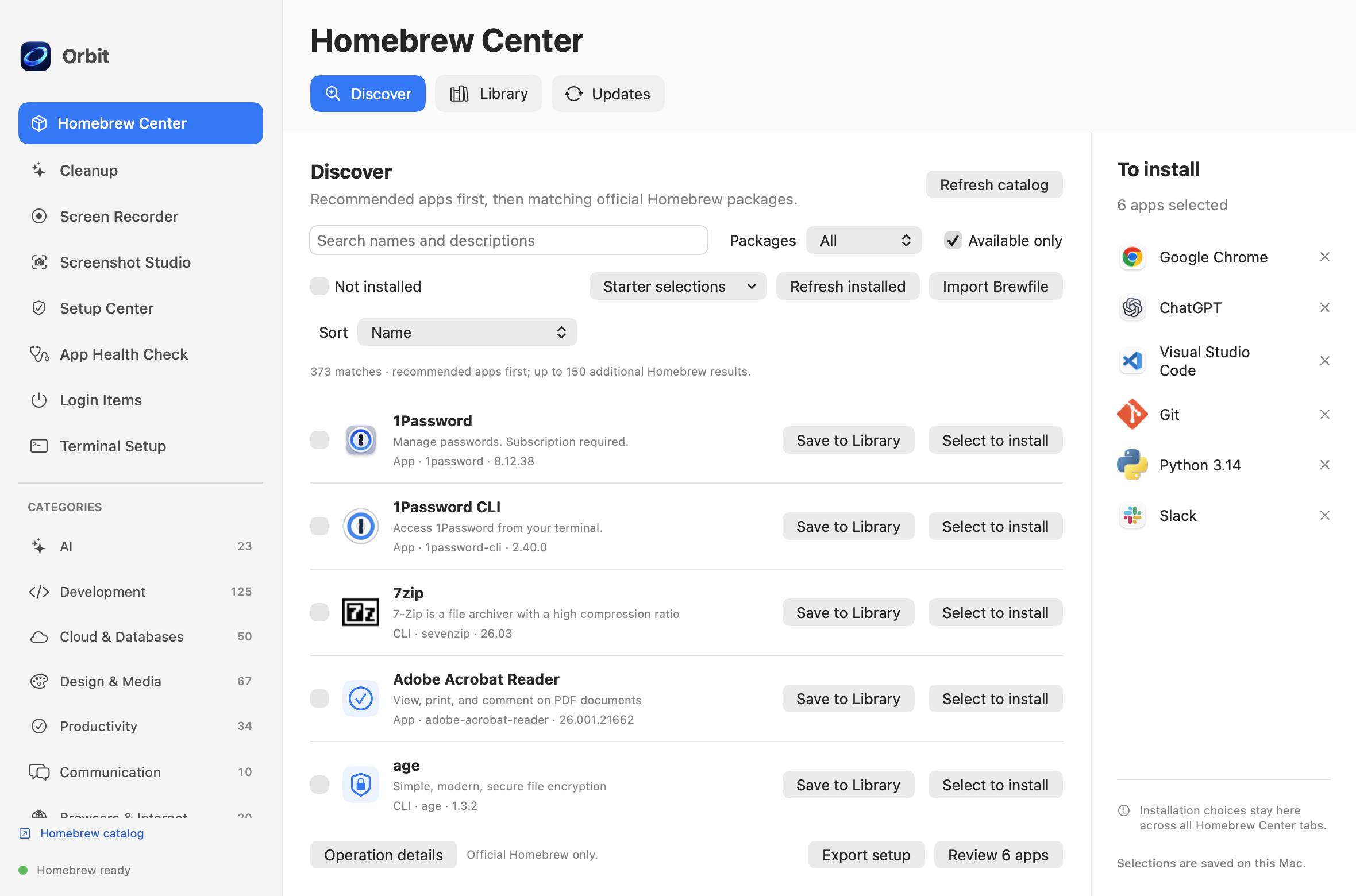
Discover apps, keep installed apps and favorites in one library, and review the packages you choose to install or update.
Inspect supported caches, logs and app-specific leftovers. Selected items move to Trash; cleanup does not empty Trash or guarantee removal of every leftover.
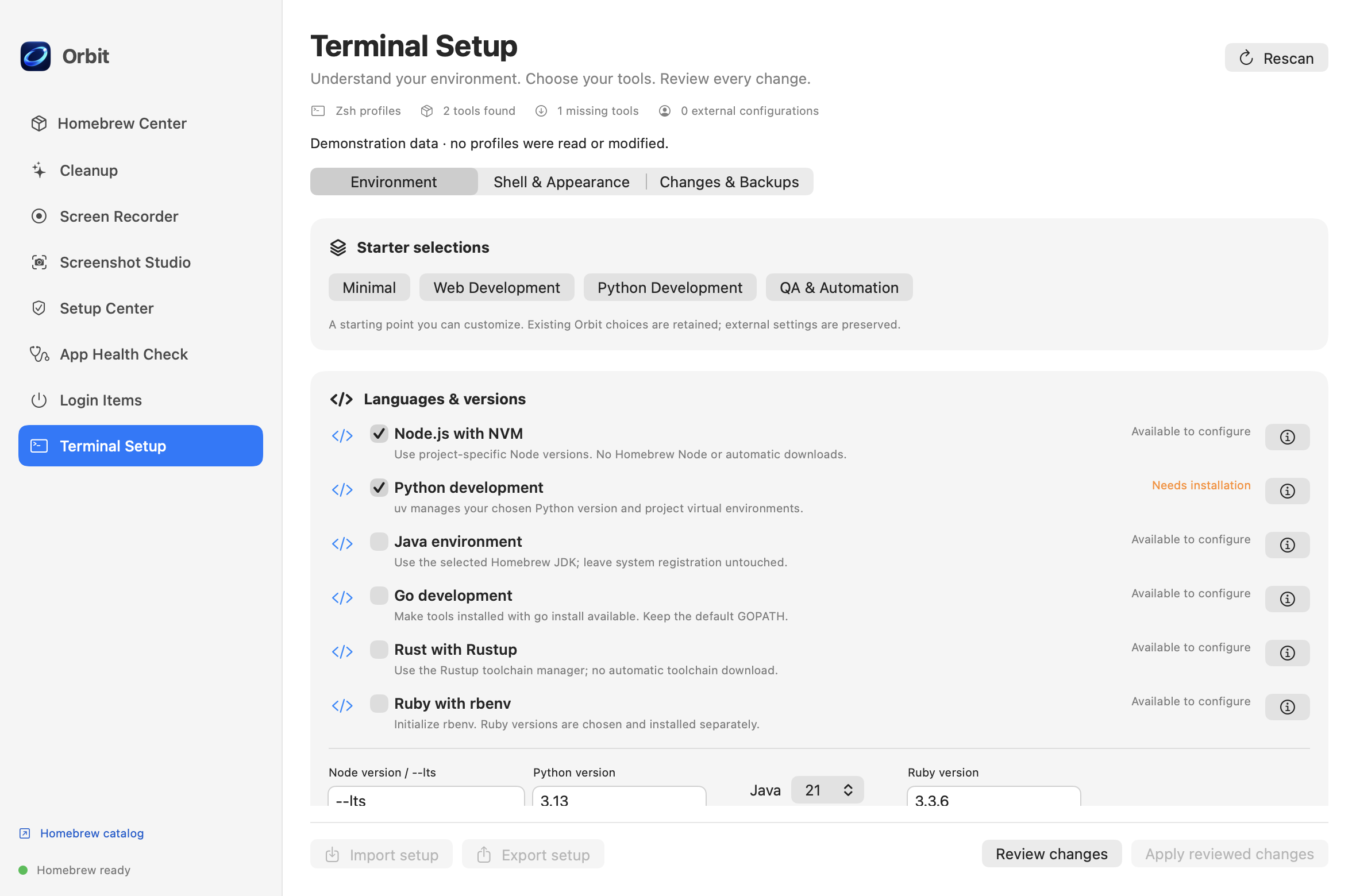
Inspect your environment and choose Minimal, Web Development, Python Development or QA & Automation presets. Review runtime, shell and appearance changes separately, with private backups for profile edits.
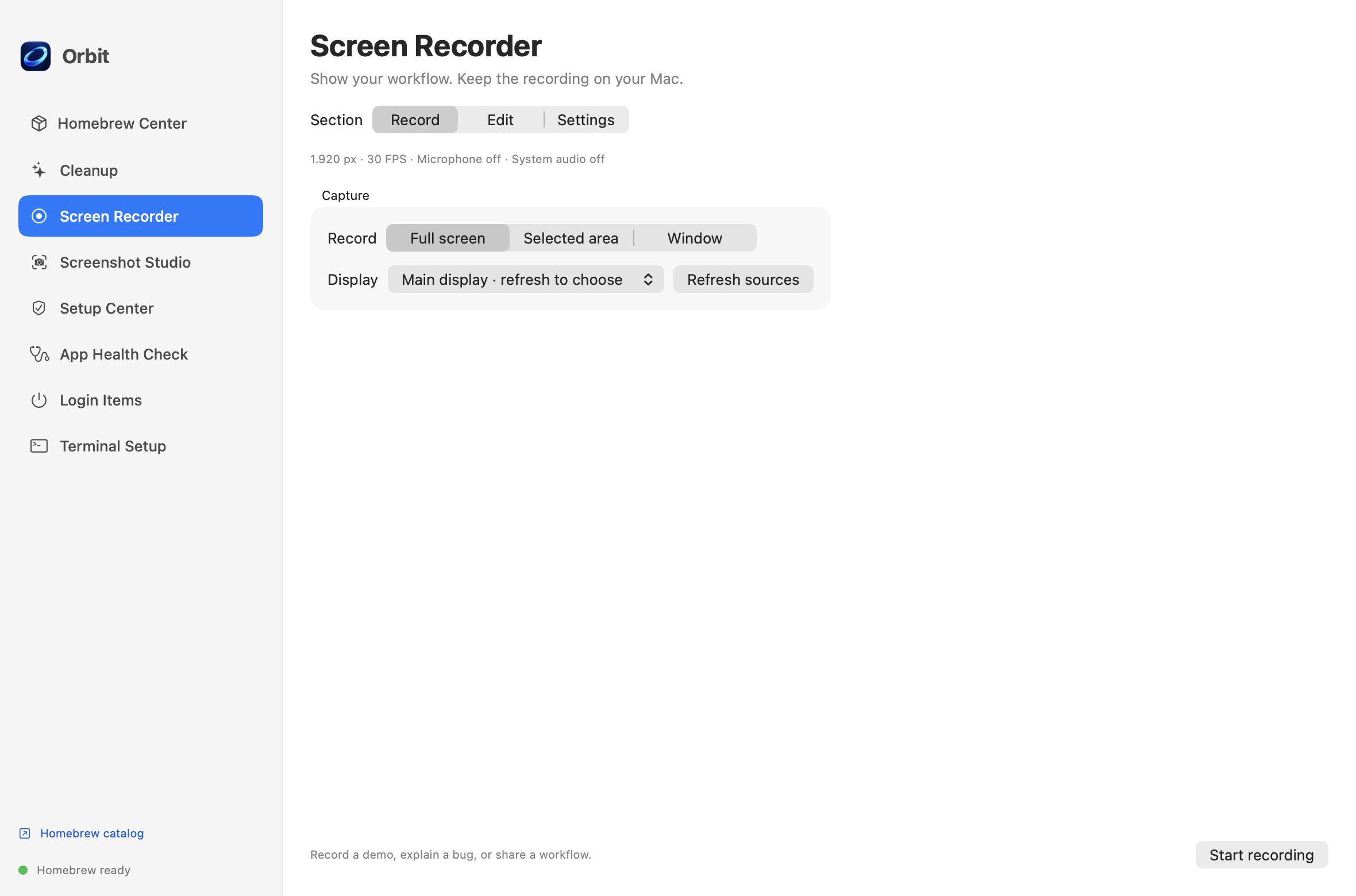
Record a display, area or window. Pause and resume from controls attached to the capture frame, and toggle audio or camera sources enabled at the start.
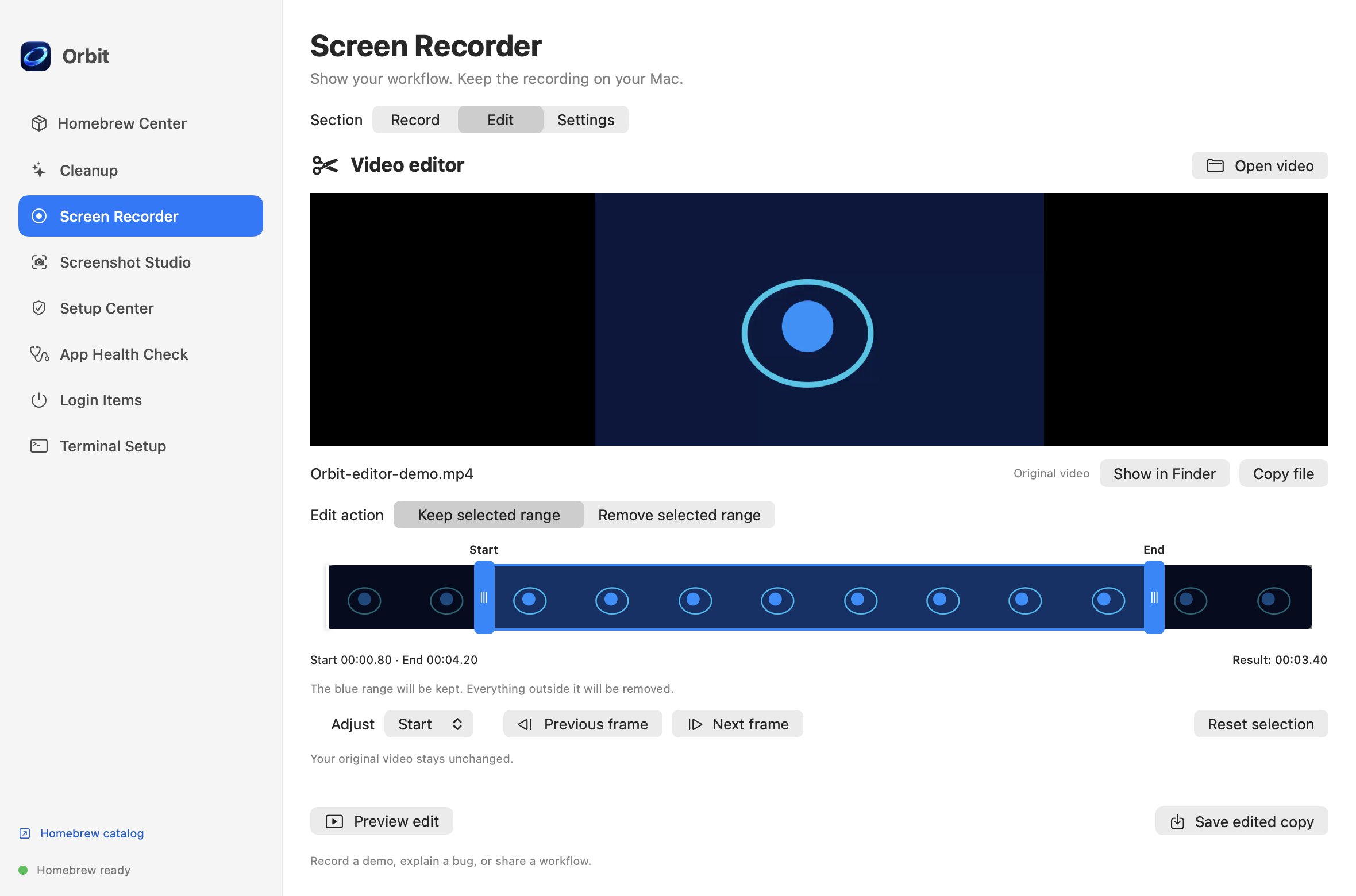
Preview and trim in a separate window. Export with Original or Balanced quality while keeping the source file.
Select a screenshot or recording area on the display under your pointer. Area selection supports different display arrangements and scaling.
Configure background shortcuts for screenshots, capture mode, recording and opening Orbit in Setup Center. Shortcuts work while Orbit is running.
Capture at native resolution, annotate in a separate window, extract text locally, and copy or save as PNG or JPEG.
Proofread, rewrite and translate in English or Turkish as supported by your Mac. Inline spelling suggestions are optional and available in compatible editors.
Manage standard Open at Login apps, review permissions and diagnose Homebrew setup without automatically running repairs.
Requires macOS 14 or later. Homebrew is needed for package operations. The README documents an Apple Silicon DMG; Intel distribution has not been validated. The beta is ad-hoc signed and not notarized, so macOS may request approval. Check current releases and installation notes on GitHub.
Email Caner with your questions about Orbit.